
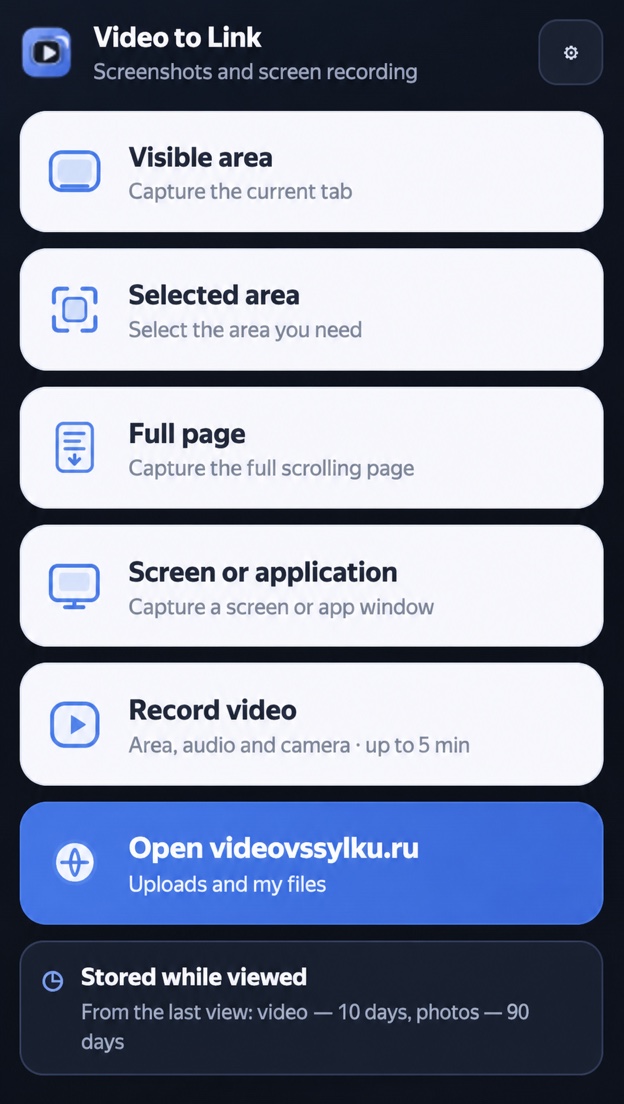
Visible area
Instantly capture what is currently visible in the active tab.
For quick explanationsRecord your screen with audio and webcam. Capture a tab, selected area, full page, monitor, or application window, then download the file or share it with one link.
Tip: after installing the extension and granting permissions, restart your browser
This is the extension website and help center. On videovssylku.ru the extension uploads files, creates shareable links, and opens your personal profile.
Choose a source, record a video or take a screenshot, add annotations, and get a link through videovssylku.ru. No separate software or complicated setup.
Capture anything from a small area or long web page to your entire desktop without switching apps.
Instantly capture what is currently visible in the active tab.
For quick explanationsSelect only the area you need and the extension will open the editor immediately.
Nothing extraCapture an entire long page, including content below the current scroll position.
For reports and mockupsCapture your entire monitor or a selected window through the browser's secure system dialog.
Beyond the browser tabRecord a tab, selected area, or screen with audio and webcam for up to 5 minutes and share it with a link.
With audio and webcam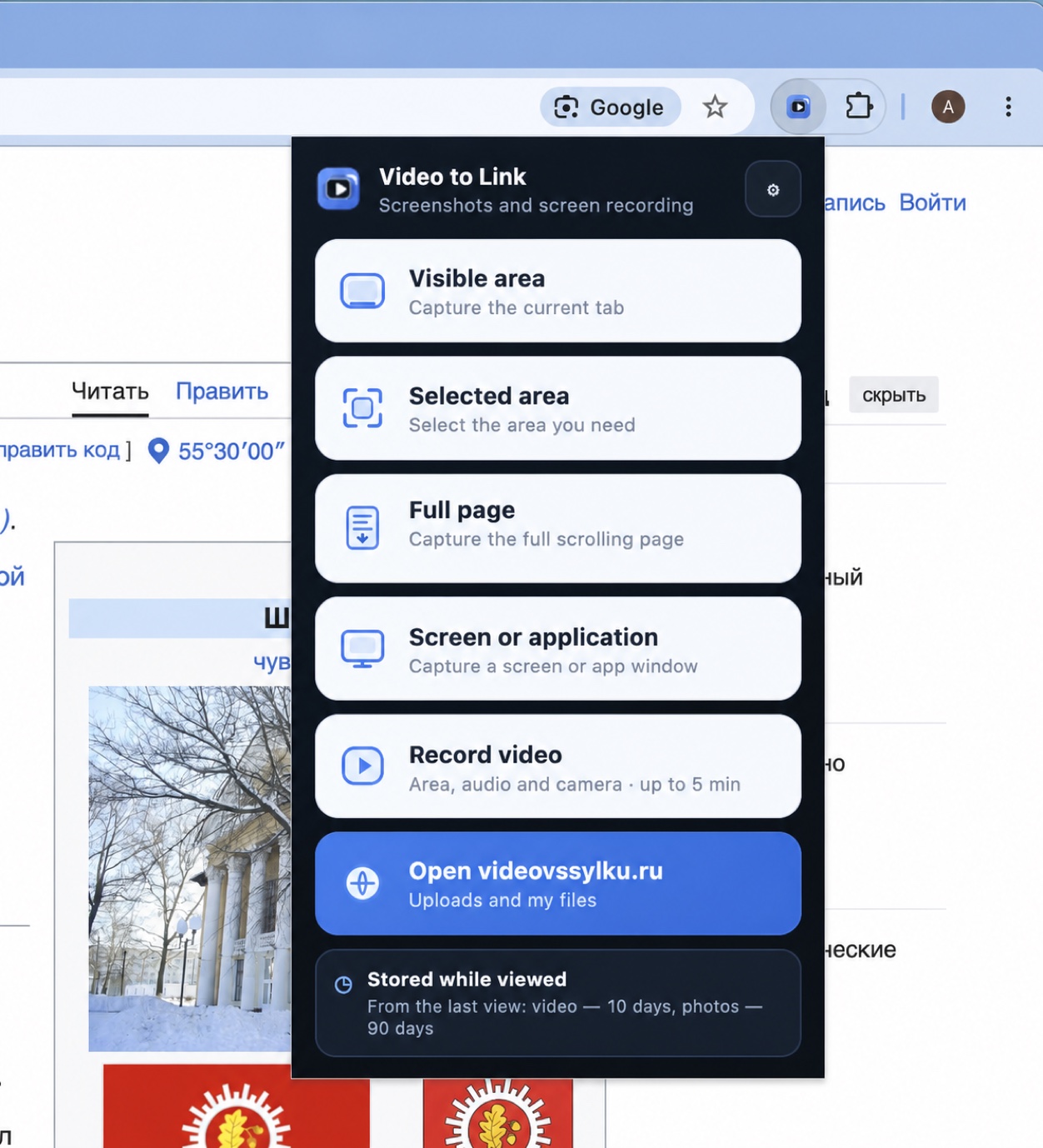
Click the extension icon next to the address bar and choose an action immediately, without navigating complicated menus.
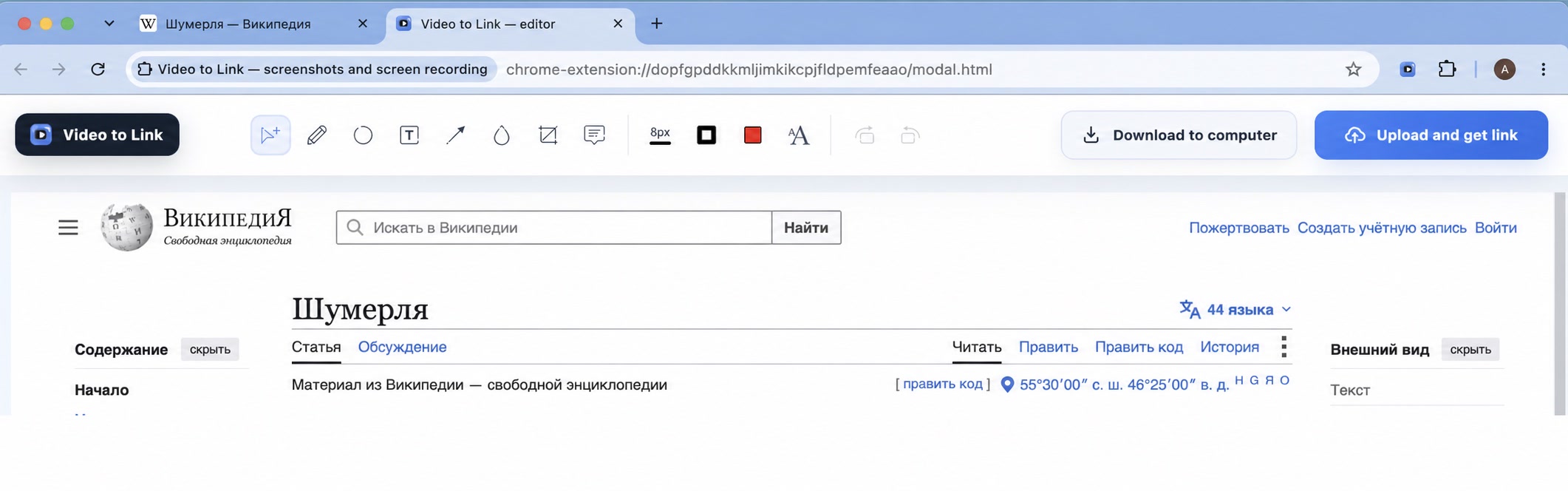
Screenshots open in the editor immediately, so you do not need another graphics app.
The icon is always next to your browser's address bar.
Screenshot or video; tab, area, page, screen, or application.
Annotate the image or preview the finished recording.
Save the file to your computer or upload it and get a link.
ZapisEkrana.ru explains the extension, while videovssylku.ru handles uploads, shareable links, and your personal dashboard. Guest uploads require no registration. To manage files in your profile, create an account and add your API key once.
No registrationUpload, copy the link, and share. The file is not tied to an account.
With a personal profileUpload history, file management, and one dashboard.
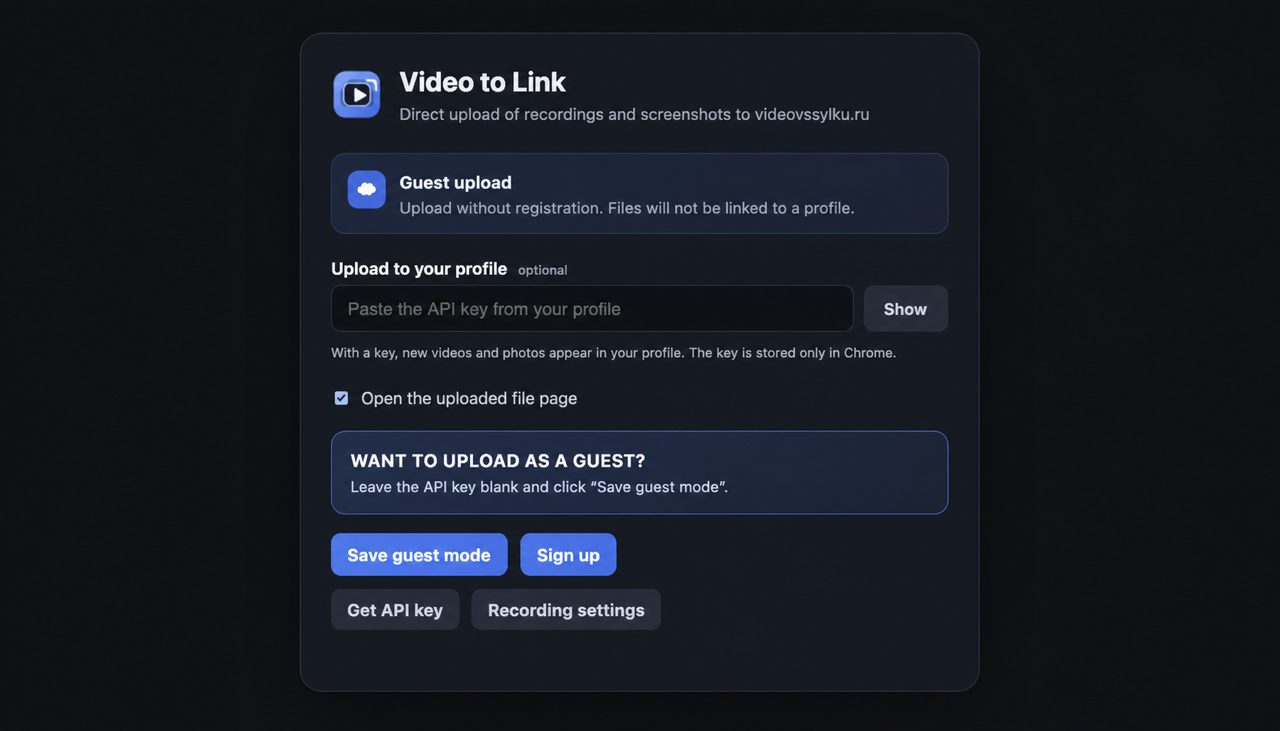 The key is stored only in your browser
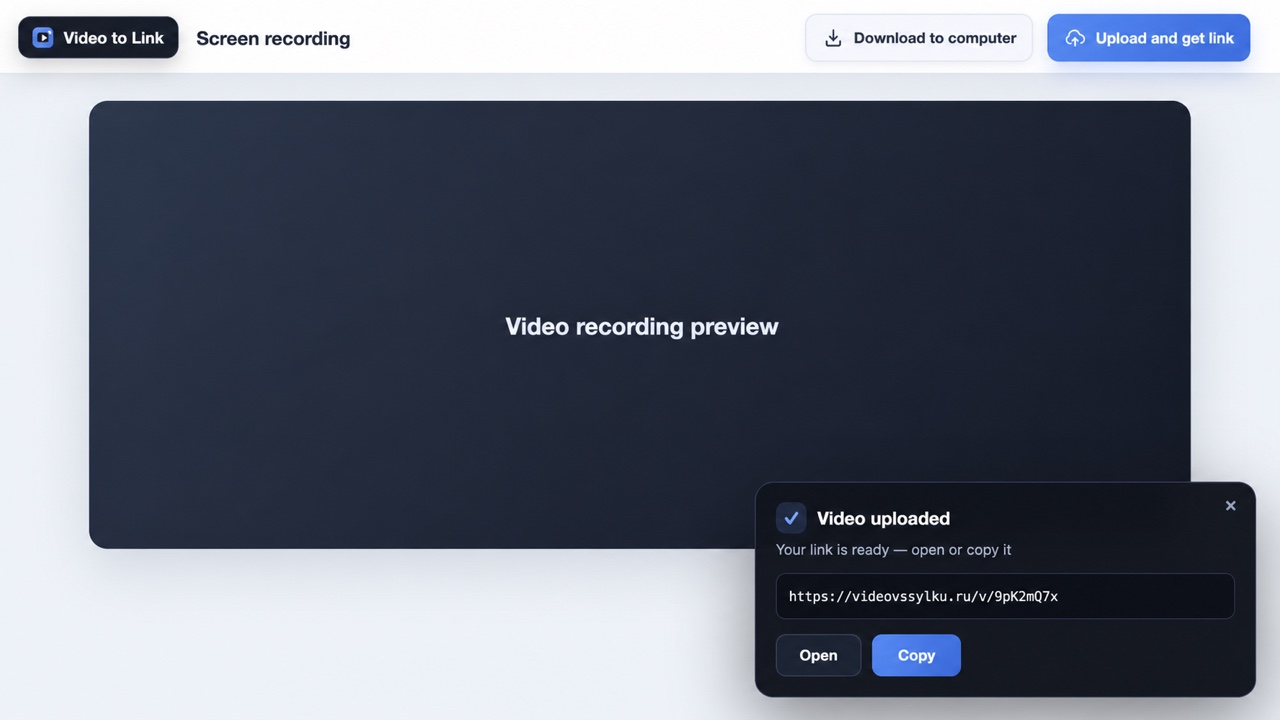
After recording or editing, download the file locally or upload it to videovssylku.ru. The link is copied automatically and the result page can be opened immediately.
Guest videos remain for 10 days and photos for 90 days from the last view.
It lives where you spend most of your day: right in the browser.
Show the problem in a video or highlight an error in a screenshot.
Record a short process with narration and send the link to a colleague.
Add arrows, text, and shapes directly over the interface.
Quickly show users where to click and what should happen.
Present a tab together with narration and webcam.
Replace a long message with a short visual recording.
No. In addition to a tab, selected area, or full web page, you can choose the entire screen or another application window. You always select the source in the browser's system dialog.
No. A compatible Chromium browser extension is enough. Available system sources depend on your browser and operating system.
Yes. Enable guest mode and upload without an account. To add files to your personal profile, enter the API key from your dashboard.
Yes. Screenshots and recordings can be downloaded to your computer. Upload only when you want a shareable link.
Short recordings are faster to create, upload, and open. The limit also keeps files within the upload size allowance.
On videovssylku.ru. In guest mode, videos remain for 10 days and photos for 90 days from the last view. Profile and paid storage terms are shown in your dashboard.
ZapisEkrana.ru is the extension's official website, while videovssylku.ru provides cloud uploads, shareable links, and personal profiles. They are parts of one product. If you do not need a cloud link, save the screenshot or recording only to your computer.

Install the extension, pin its icon next to the address bar, and start any mode with one click.
The extension is available free from the official Chrome Web Store.